Introducing Reviews: Every Store's Ratings in One Place
Steam, the App Store, Google Play and more: your game's score, trend and every review in one page, ready to become issues for your team.
· 1 min read
- Launch
- Reviews
- Player feedback
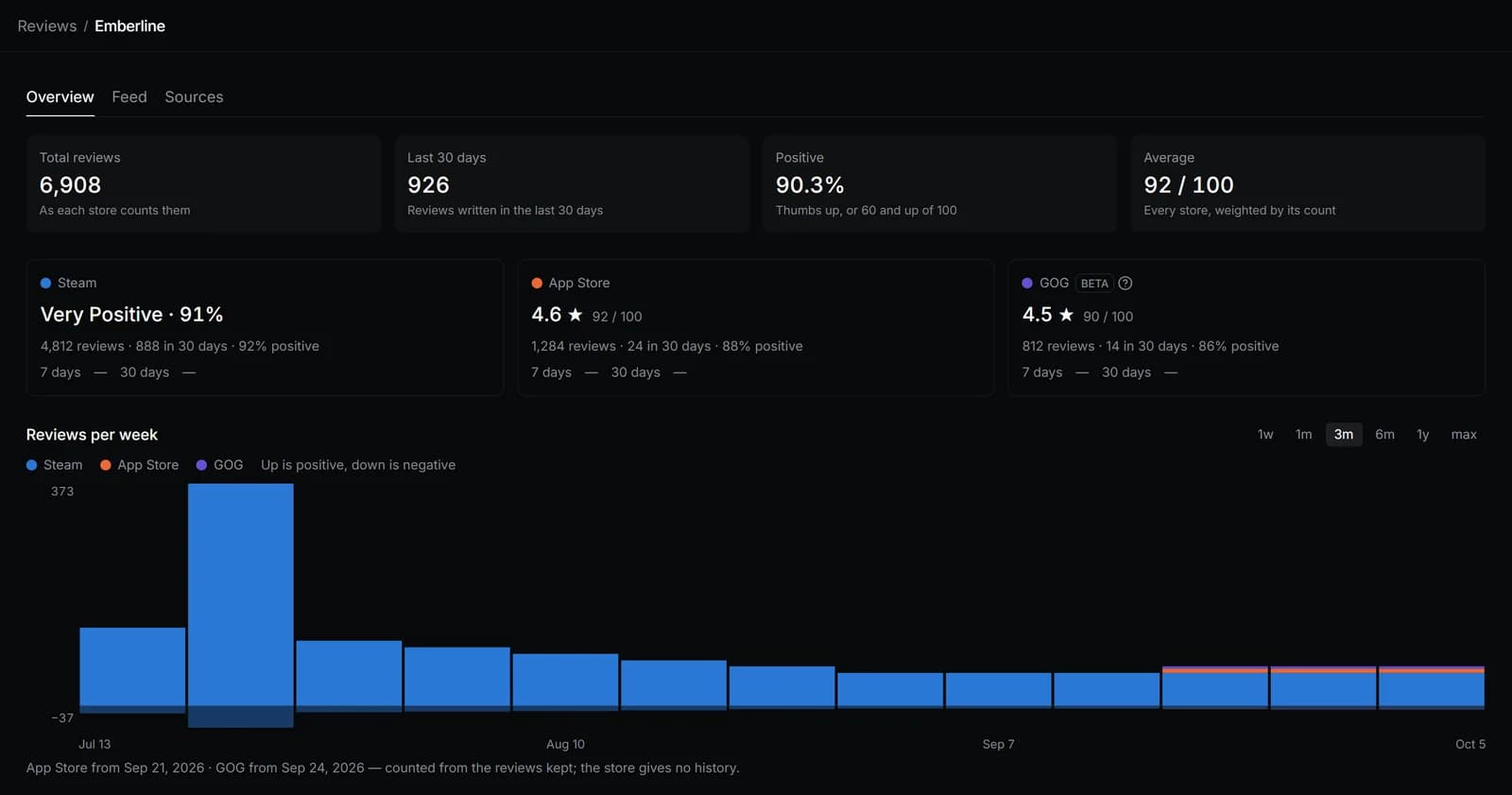
Players tell you what to fix every day, in eight different stores. Reviews brings all of it into your workspace, one page per game.
What you get
- Every store at a glance. The score, the total and the trend for each store you link, side by side.
- Reviews per day. Positive above the line, negative below. See what a patch, a sale or a launch did, from one week to the game's whole life.
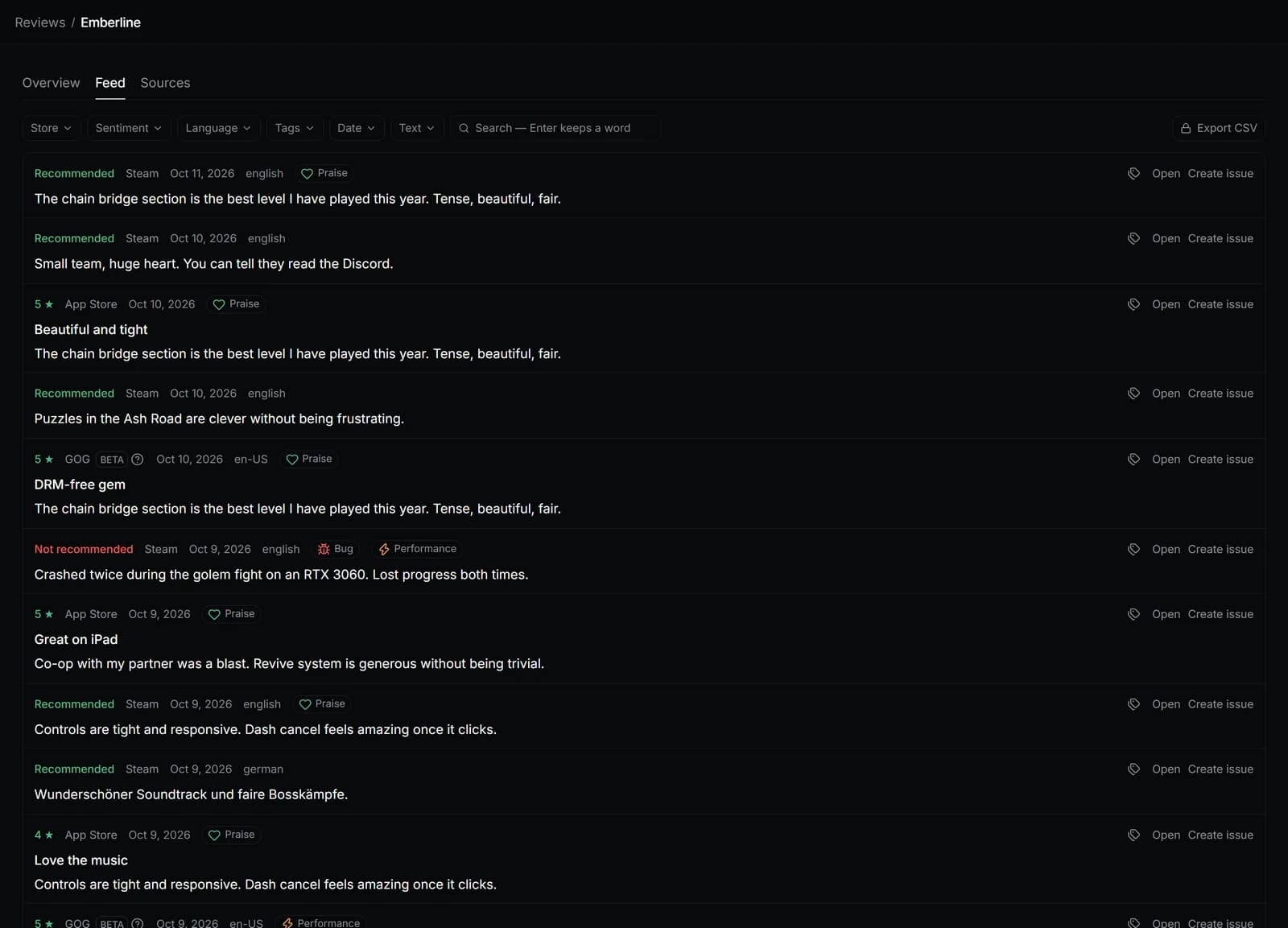
- One feed for every review. Filter by store, day, language, tags or words, and send the filtered feed as a link.
- A review becomes an issue. One click puts the quote, the score and the store in an issue for the right team. The author's name never comes along.
The stores
Steam and the App Store, plus Google Play, GOG, Xbox, PlayStation, Epic Games Store and itch.io in Beta. No API key from your studio: LevelGrid reads the public store pages for you, every 6 to 12 hours.
Set it up in a minute
- Turn on Reviews in your workspace settings.
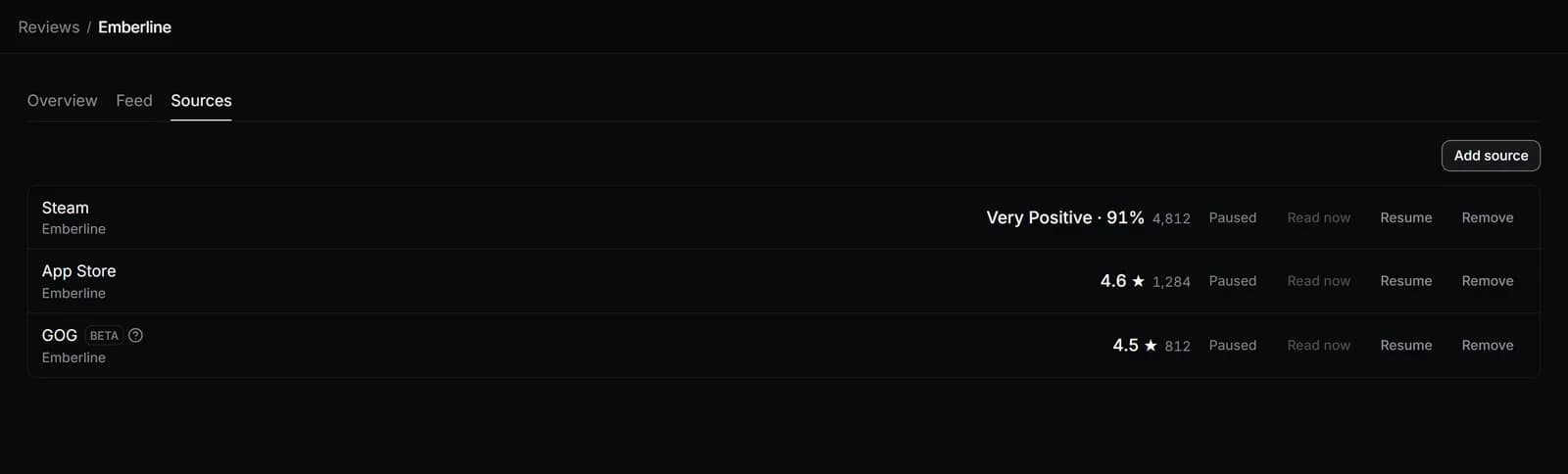
- Open a game's Sources and paste its store page.
- That's it. The first read reaches back for older reviews, then LevelGrid keeps reading on its own.
Let your AI do the sorting
Create the tags your studio cares about (Bug, Performance, Price) and connect your own AI through the LevelGrid MCP server. Ask it "what do players complain about on Steam this week?" or "tag the last 50 reviews", and it reads and tags them for you.
Plans
Reviews is on Studio, for the stores of up to 3 games. Enterprise reads every game and exports the history. Everything else is in the Reviews docs.